

Workflows
Write the rule once, and the firm keeps it
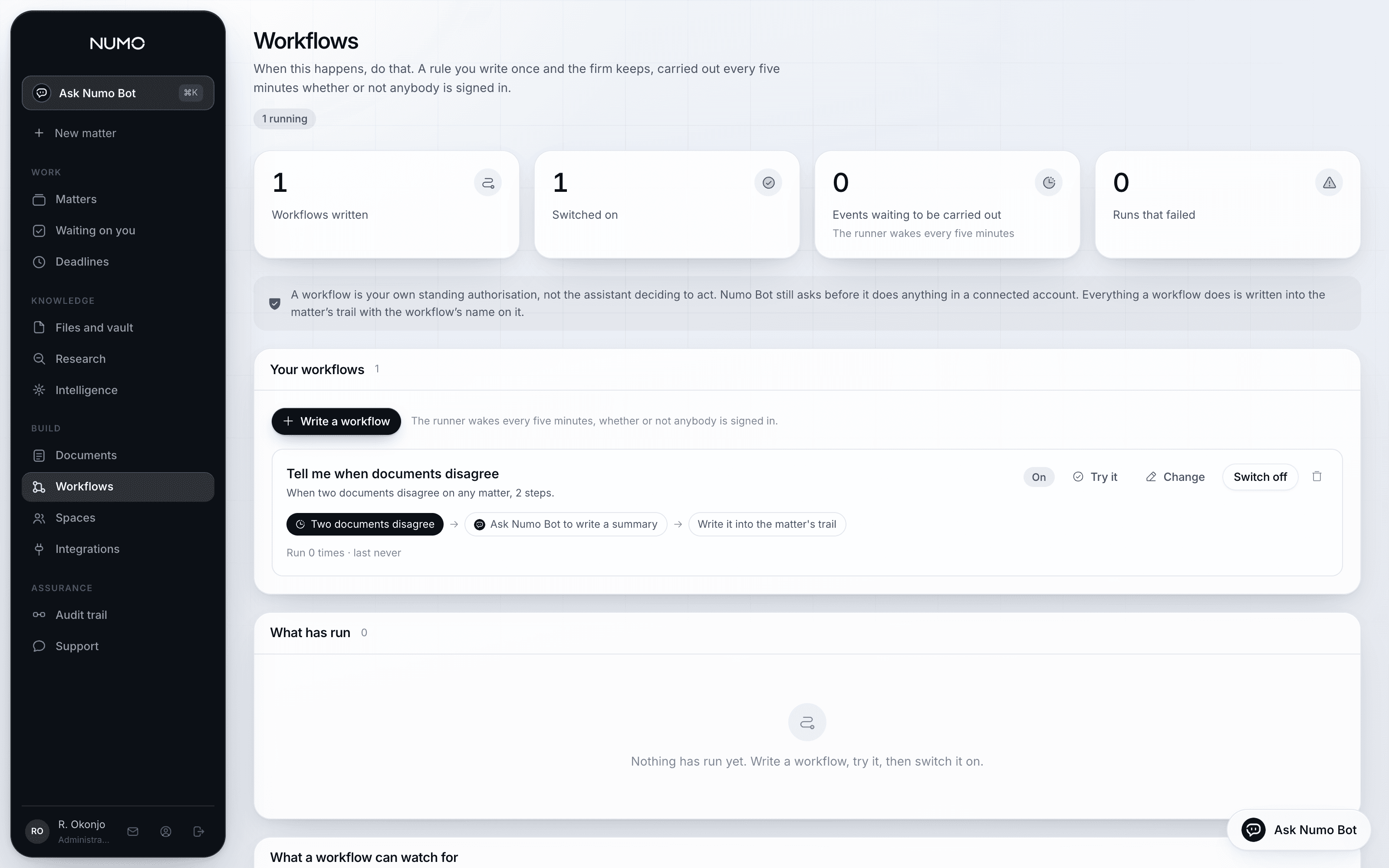
When two documents on a matter disagree, have Numo Bot summarise it and email the supervisor. When everybody has signed, note it on the file. Every morning, list what is due this week.
- It runs whether or not you are signed in
- A runner wakes every five minutes, all day and all night, carries out whatever is waiting, and writes down what each step did and what came back.
- Try it before you switch it on
- A new workflow starts switched off. A test run reports what each step would do, with the real content, without sending anything anywhere.
- Your authorisation, not the assistant's
- A workflow is a rule you wrote in advance, visible on one page, switchable off in one press. The assistant still asks before it acts outside the product, every time.
Building one
A trigger, a filter, and steps in order
The builder works the way the automation tools your firm already uses work: choose what starts it, narrow it to the cases you mean, then add the steps. No scripting, and nothing hidden behind a saved view.
- Triggers that come from real work
- A file uploaded, a document approved, a signature completed, a contradiction found, a deadline within so many days, an approval waiting, or a time of day.
- Filters, so it fires on what you meant
- Only public law matters. Only this jurisdiction. Only where the amount is over a figure. Only where the supervisor is a particular person.
- Steps that do the work
- Ask Numo Bot a question about the matter, draft a document, email somebody, add a note to the file, create a task, set a deadline, or wait until a date.
- Fields carry through
- The matter reference, the client, the file name and whatever the previous step returned can all be dropped into a later step's text, so an email actually says which matter it is about.
Running
Every run recorded, step by step, in English
A run is not a green tick. It is a list: what fired it, what each step was asked to do, what it returned, how long it took, and where it stopped if it stopped.
- Failures are visible, not silent
- A step that could not run says why, and the run is marked. A workflow that keeps failing is not left quietly not working.
- Nothing is sent that cannot be sent
- If the firm's email account is not connected, the run reports honestly that nothing was sent rather than recording a success.
- In the same audit trail
- What a workflow did lands beside what people did, with the workflow named as the actor, so a matter's history reads as one story.
Keeping control
Automation with the brakes still fitted
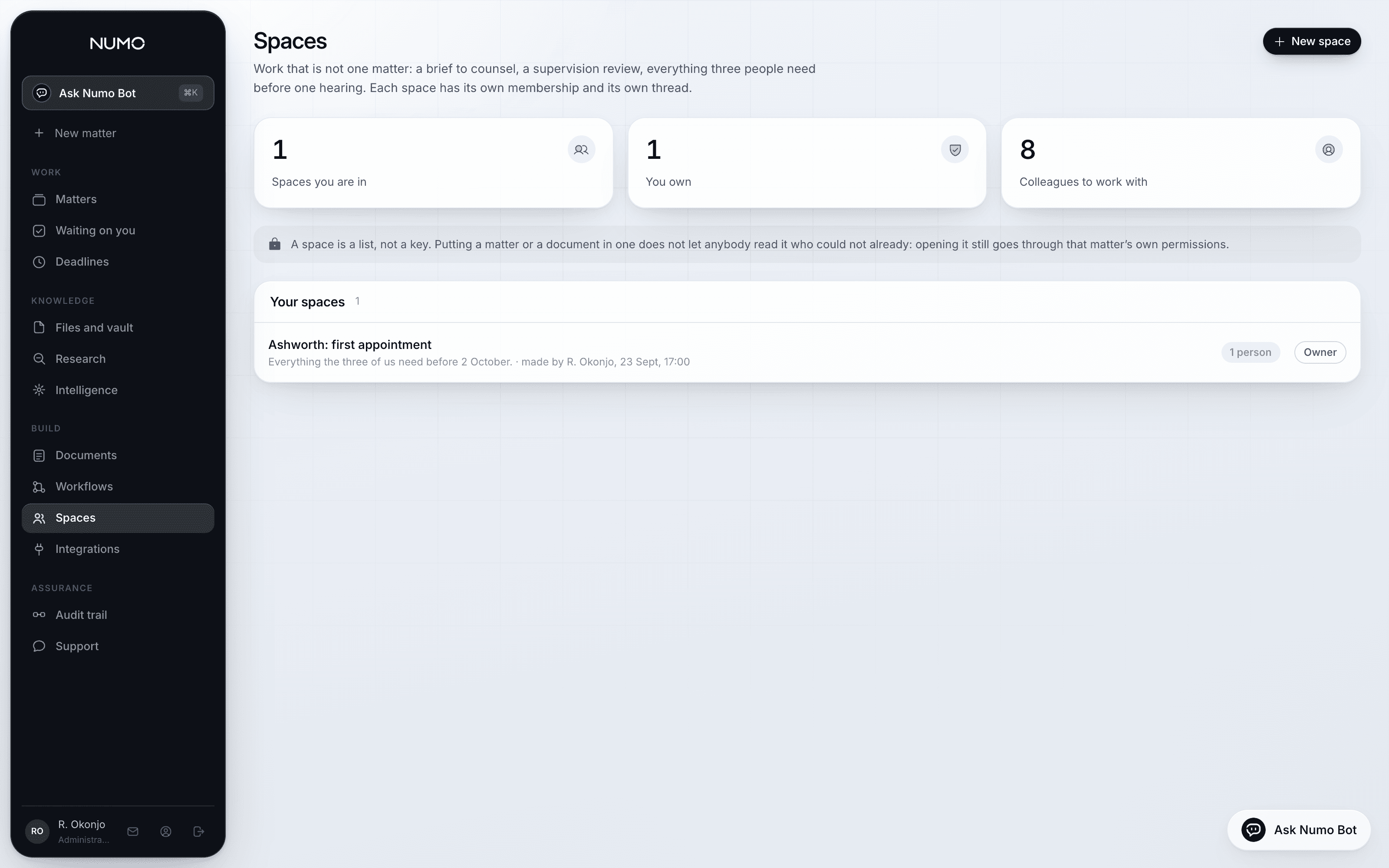
Automating a family practice is only safe if the automation cannot do the things a person must do. The rules that hold everywhere else hold here.
- It cannot serve, file or approve
- A workflow can prepare a document and put it in front of somebody. It cannot approve it, serve it or file it.
- It cannot cross a jurisdiction
- A step that would produce an England and Wales draft on a Scottish matter is stopped by the same lock that stops a person doing it.
- Off is one press
- Switching a workflow off stops it immediately, leaves the record of what it already did, and does not undo anything without somebody deciding to.
The limits
Said as plainly as the claims
No outbound webhooks
Numo does not post your matter data to an arbitrary address. Steps act inside the product and inside accounts you have connected.
Five minutes, not instantly
The runner wakes on a cycle. A workflow is for work that should happen reliably, not for something that must happen in the same second.
One organisation at a time
A workflow belongs to your firm and can only see your firm's matters, under the same rules as the people who wrote it.
It still asks to act outside
Anything that would touch a connected account is asked for as its own permission, even from a workflow you switched on yourself.
Asked before buying
- Is this the same as the automation tools we already use?
- It is built to work the way those do, with a trigger, filters and a chain of steps. The difference is that the steps understand matters, deadlines, documents and approvals, so a rule can be written about the case rather than about rows in a table.
- Can a workflow email a client directly?
- It can prepare and send from the firm's own email account, once that account is connected and the step is switched on. What it cannot do is serve a document or treat sending as service.
- What happens if we go on holiday?
- It carries on. That is the point of it running outside a session. The morning list of what is due arrives whether or not anybody has signed in.
See it on your own matters
Half an hour, your own file, and an honest answer about whether this fits how your firm already works.